
Everything remote, as all things should be
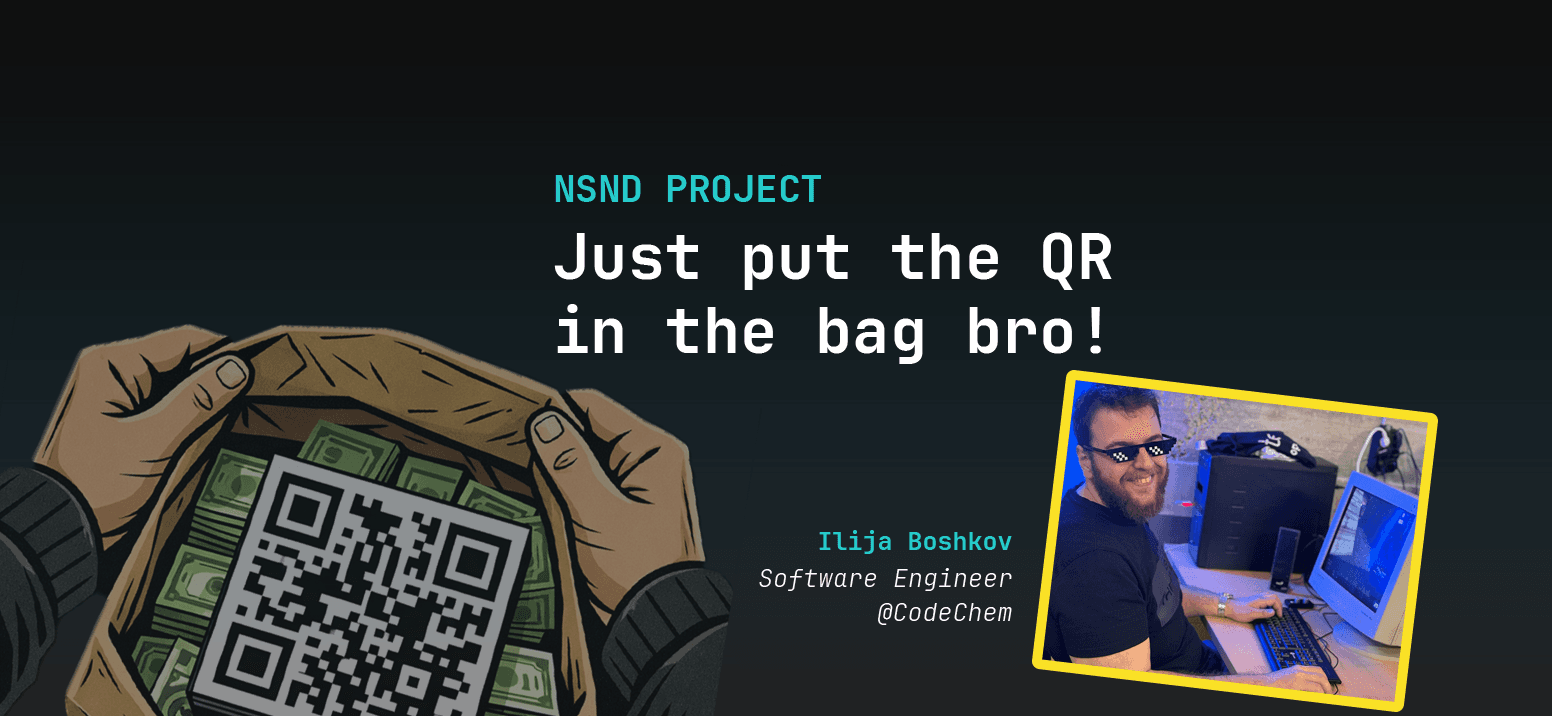
In the spirit of the hacker culture of Base42, we held the unconference NSND(Ništa se neće dogoditi).
Macedonian NSND has it's own wiki, where you can learn more about what it is and what has happened over the years in each city it was held in(reading back it seems pretty fun and I am sure there were crazy adventures).
Shortly, it's a gathering of tech enthusiasts and geeks from the Balkan region, but sometimes there are guests from abroad, there aren't predefined/predetermined topics nor speakers, everything happens on the spot. People come, introduce themselves, say what they can speak and listen to about and after a vote, the talks/workshops start.
It's like an organized chaos, breeze of fresh air for the people that are used to structured talks and events.
Skopje 2026 NSND
We voted for the topics we proposed at the start of the event and the second most anticipated topic was mine:
Decrypt LUKS through SSH
SSHing into the machine before the system is booted to decrypt the LUKS-encrypted drive
When the drive is decrypted, the drive boots and runs the installed operating system into which we can practice the normal everyday SSHing(remotely accessing).
Motive
We started working on a 3D printer server @ Base42(more on that in some other upcoming blog), but stumbled upon a challenge. Few times, in the course of three days, the server was unplugged from the power outlet and couldn't be accessed remotely via SSH even if immediately plugged in, soooo annoying. You may ask why? - LUKS is the answer.
If you want your entire disk to be encrypted for security and privacy, on Linux, that's done using Linux Unified Key Setup(LUKS). You must be in front of your computer to unlock LUKS-protected disks by providing a passphrase at boot time. However, the machine I was working with was not at my premise, so I wasn’t able to unlock and boot it, at least that's what I thought at first.
The old workflow went like this:
server was working properly(normal SSH would work) → someone unplugs the cable(SSH timing out on my machine)
I would need to come physically → decrypt the LUKS
system boots, SSH works again → go to step 1
Because I was furious about it, I said to myself-"There must be a way to remotely do this. I am sure the DevOps of big companies are not coming physically to the encrypted servers everytime they restart them just to decrypt them", so I searched the internet for my thought, and there it was again, someone else did it, the usual.
There are always exceptions(sad), as in our case, if the cable is left unplugged, I MUST come physically to the server.
PLEASE DON'T LEAVE THE CABLES UNPLUGGED IN BASE42
Execution
When I read that there's such thing as remote unlocking a LUKS encrypted drive, as every hobby project, I said-"I am going to do this one day" and it just waited for the right moment.
The perfect moment was NSND.
But I wasn't prepared for it. I just proposed the topic, it was voted, but I didn't know how to do it exactly.
Luckily, that's what the unconference was about-everyone was involved into it and wanted to help to do it. After seeing that it will take a lot of time, more than a quick talk, we decided to make it like a separate workshop, projected to the secondary projector @ Base42.
The biggest credit goes to Damjan Georgievski.
And here's what we learned from the process:
Choosing the SSH server
TinySSH and Dropbear are both lightweight SSH servers designed for embedded systems and minimalist environments, but they prioritize different goals.
Dropbear is more feature-rich and compatible, supporting password authentication, older algorithms, and scp/sftp, making it a better general-purpose OpenSSH replacement and is perfect for routers, IoT, and embedded Linux with limited resources.
TinySSH focuses on extreme security/simplicity by supporting only modern, secure cryptography (Ed25519/ECDSA, no RSA/DSA), has extremely small codebase aimed at minimizing attack surface and is ideal for highly secure, modern initramfs unlocking.
TinySSH looked like the exact tool we need.
initramfs
What if I told you that there's a full second operating system(although very small) that runs before your known main OS, I am using Arch, btw.
Well, that happens in the early boot of a Linux machine, where the only directory that's not encrypted by default is the /boot/.
This secondary OS is not accessing the LUKS-encrypted drive/s, is loaded from a compressed archive file in /boot/ called initrd, which stands for “initramdisk”, which is another word for our initramfs system and it contains all the boot-related things for the system, of which most important for us to have are the drivers and the ssh server.
It is ran from RAM, that's why it's called initramfs (initial RAM filesystem).
In it, a copy of systemd is running and its state is passed to the state in the primary OS, so that means we can install a whole collection of stuff in mkinitcpio-systemd-extras (mkinitcpio is the tool Arch uses to regenerate initramfs).
Here's a link to see what's available: https://github.com/wolegis/mkinitcpio-systemd-extras. Since it's AUR, use your prefered way to add them to your Arch packages.
Of those, we need two: sd-tinyssh and sd-network. They are added in the /etc/mkinitcpio.conf's HOOKS, where its comment reads:
The HOOKS control the modules and scripts added to the image, and what happens at boot time.
Order is important, and it is recommended that you do not change the
order in which HOOKS are added.
Here's our HOOKS:
HOOKS=(base systemd autodetect microcode modconf kms keyboard keymap sd-vconsole block mdadm_udev sd-network sd-resolve sd-tinyssh sd-encrypt filesystems fsck)
To ensure the tinySSH server only decrypts the LUKS, we have created the file /etc/mkinitcpio.conf.d/tinyssh.conf with the content:
SD_TINYSSH_COMMAND="systemd-tty-ask-password-agent --query --watch"
For the tinySSH to work, we need the public keys into /root/.ssh/authorized_keys.
In our case, I also needed to edit /etc/systemd/network/en.network to put the leased static internal IP address via DHCP Reservation, because when we used the default DHCP=yes, the tinySSH server was given a different IP address every time and wasn't accessible:
[Match]
Name=en* eth*

[Network]
Address=192.168.x.x/24
Gateway=192.168.x.1
DNS=8.8.8.8
Finally, run mkinitcpio -P to rebuild the initramfs.
Result

Disclaimer: I am using alias commands(
printon/printonLuks), you would need to use your own parameters e.g.ssh -p {server_ssh_port} -i "{path_to_private_ssh_key}" {user}@{server_ip_address}